Oops! - This page requires javascript -


Please enable javascript in your browser and reload page. Here's how:

If using Internet Explorer 7.x or 8.x for Windows:

  1. Under the Tools menu (top right) select "Internet Options..."
  2. Select the Security tab.
  3. Pick the "Internet" icon (first one).
  4. Click on the "Custom Level..." button.
  5. Look for the "Scripting" section (almost at the bottom) from the Settings list.
  6. Choose the "e;Enable" radio button from the "Active scripting" item.
  7. Click OK to close the Security Settings dialog box.
  8. Click OK to close the Internet Options dialog box.
  9. Restart IE.

If using Mozilla Corporation’s Firefox

  1. On the Tools menu, click Options.
  2. On the Content tab, click to select the Enable JavaScript check box.
  3. Click Ok then click the reload current page button to run scripts.

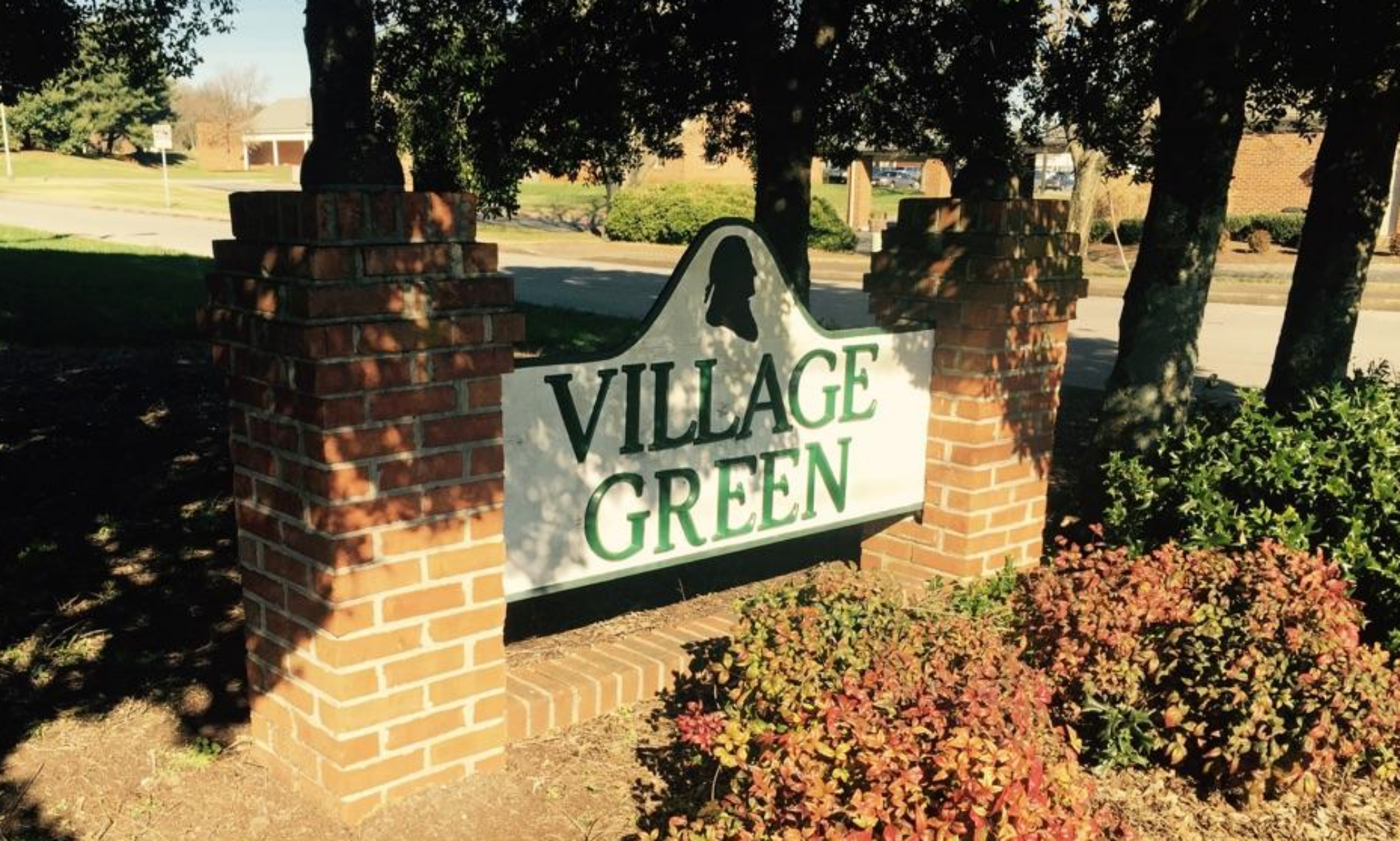
Village Green has a number of planned activities throughout the year.  In addition, we have clubs and our own swim team, the Gators.  Listed below are the activities coming up in the next couple of months.  Click on the activity title to see pictures and details about the activity.

Upcoming Events

{oneDayData::eventDate}
{title}
{multiDayData::day}
{multiDayData::title}